
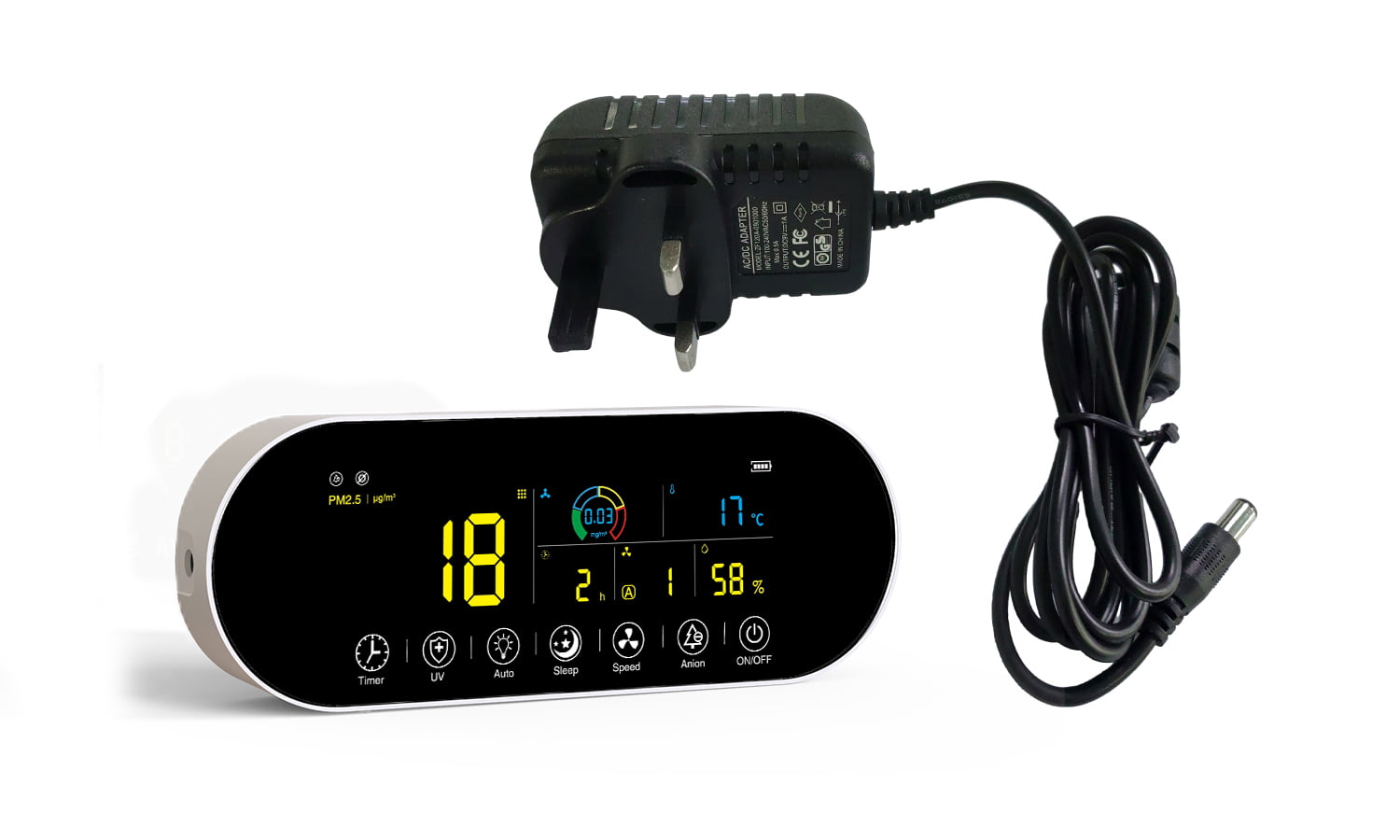
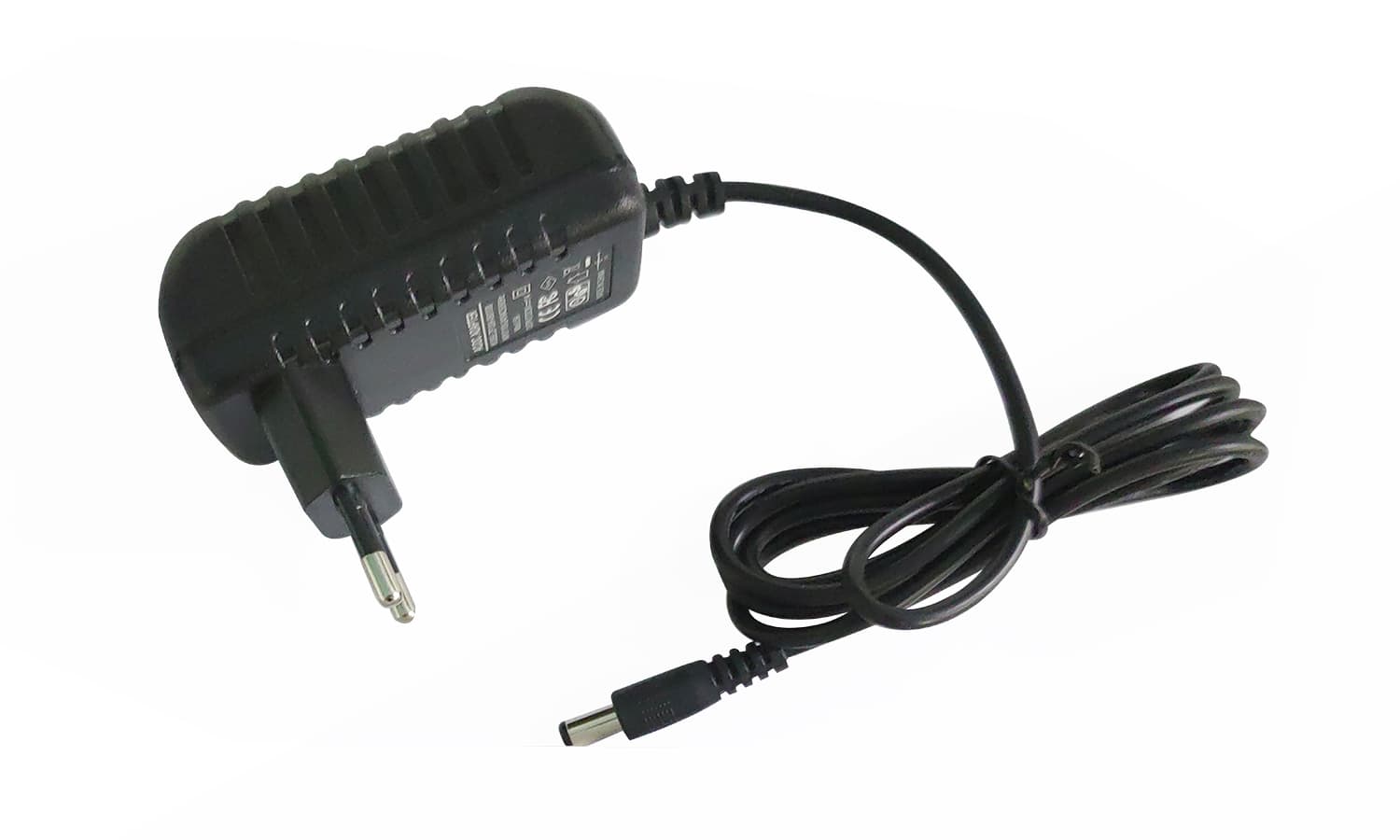
Terminal de contrôle Eoleaf 2.0
(compatible avec Eoleaf TeraPur 600 et AltaPur 700)
(compatible avec Eoleaf TeraPur 600 et AltaPur 700)
S'associe bien avec
Terminal de contrôle Eoleaf 2.0 — (compatible avec Eoleaf TeraPur 600 et AltaPur 700)
Expédition
FAQ
Nous contacter
Terminal de contrôle
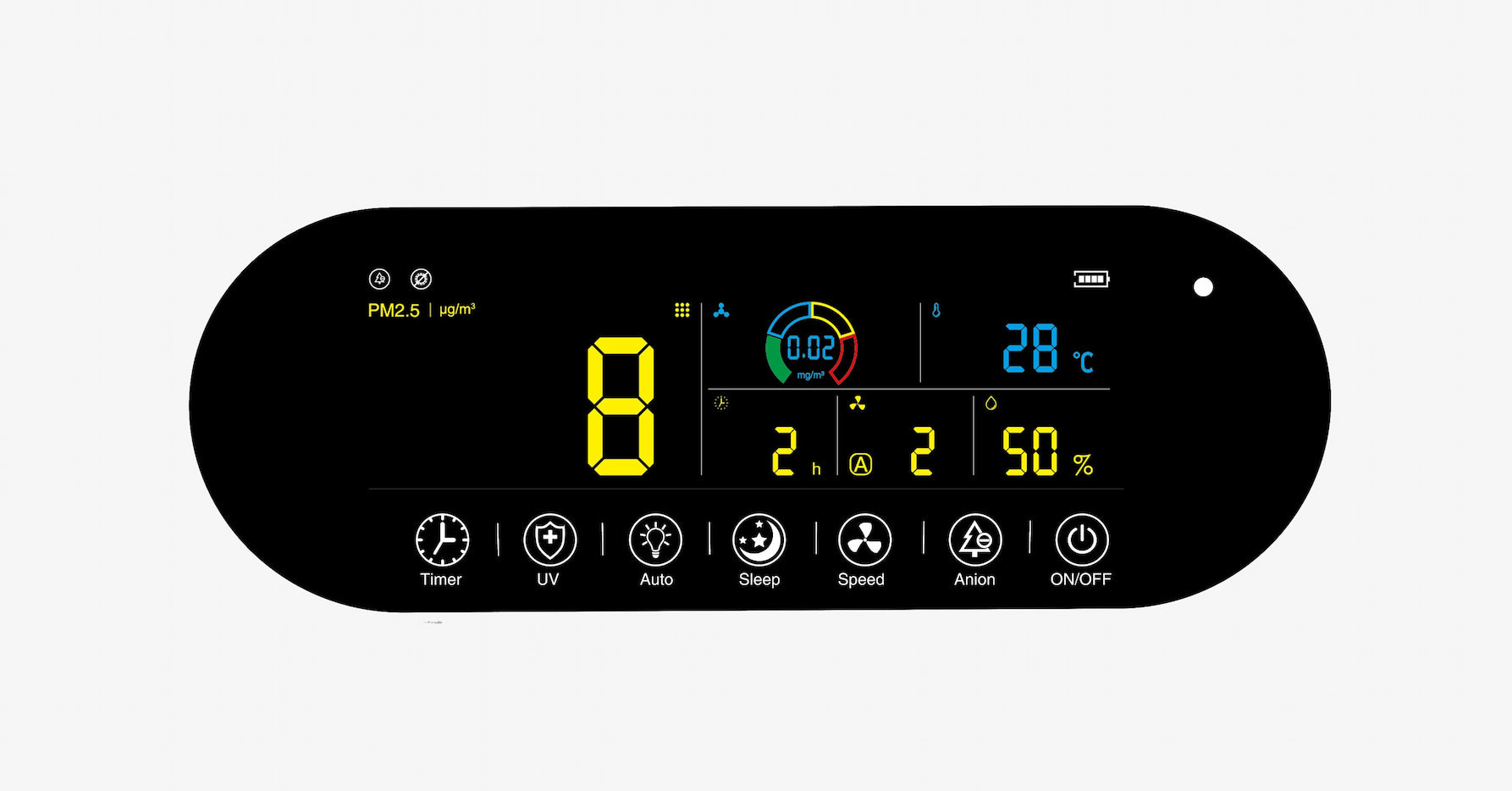
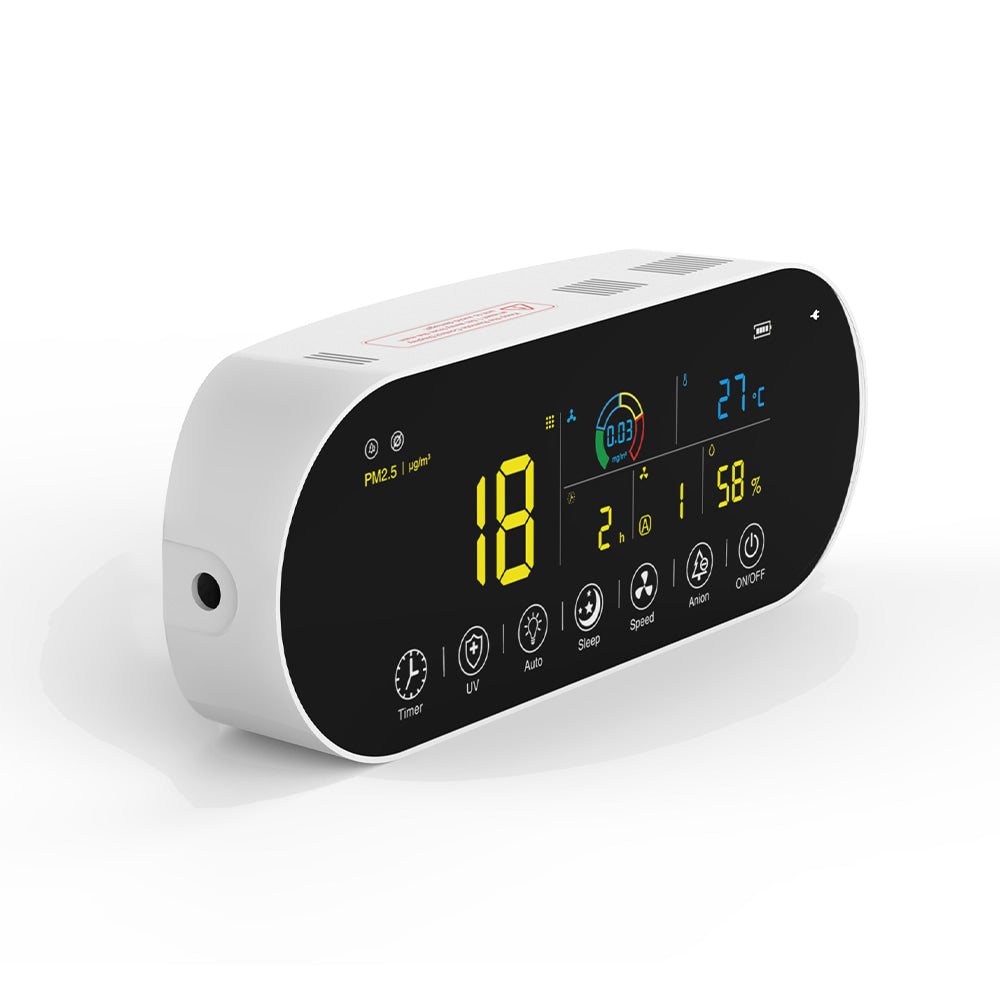
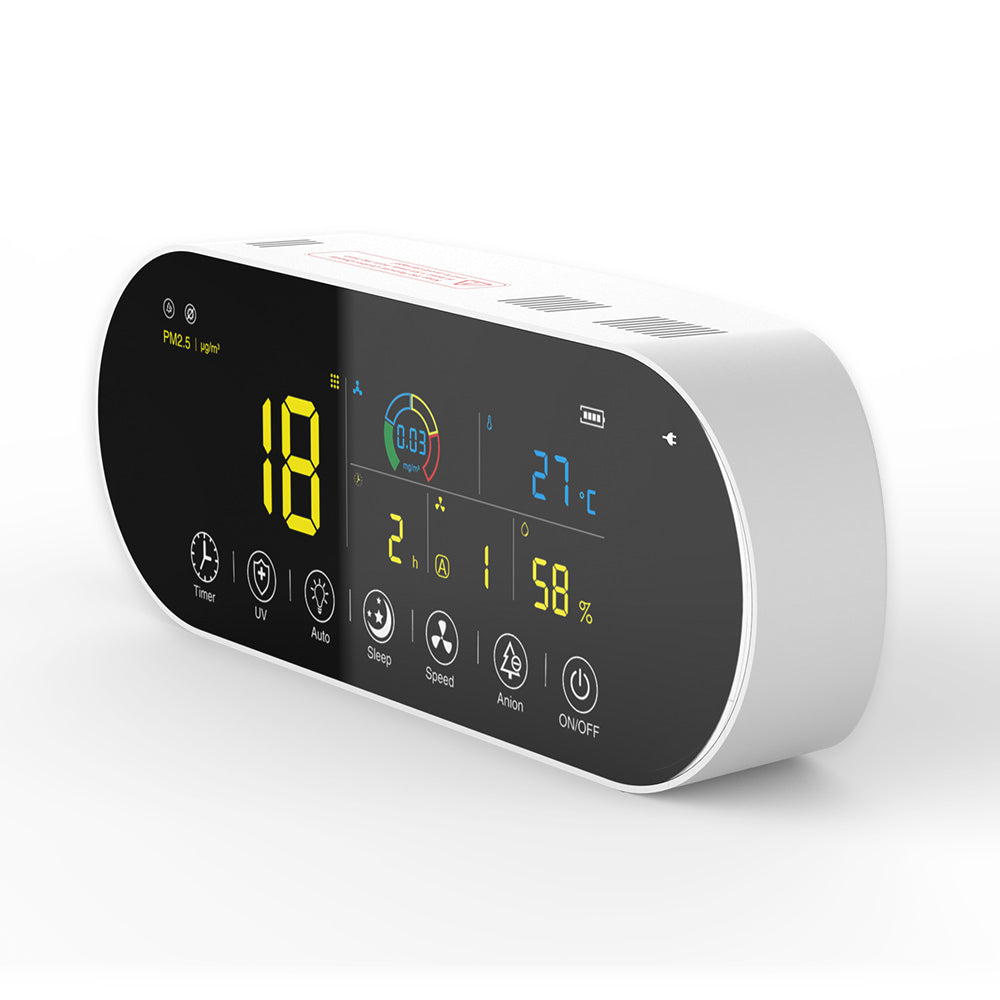
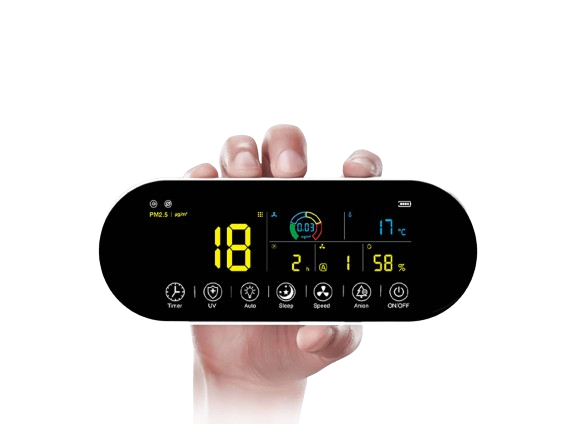
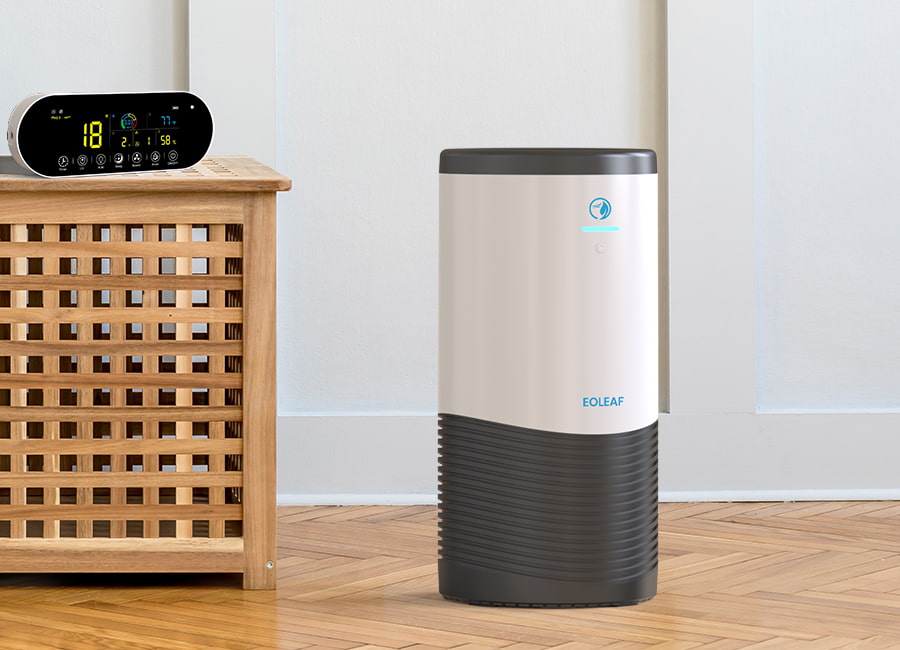
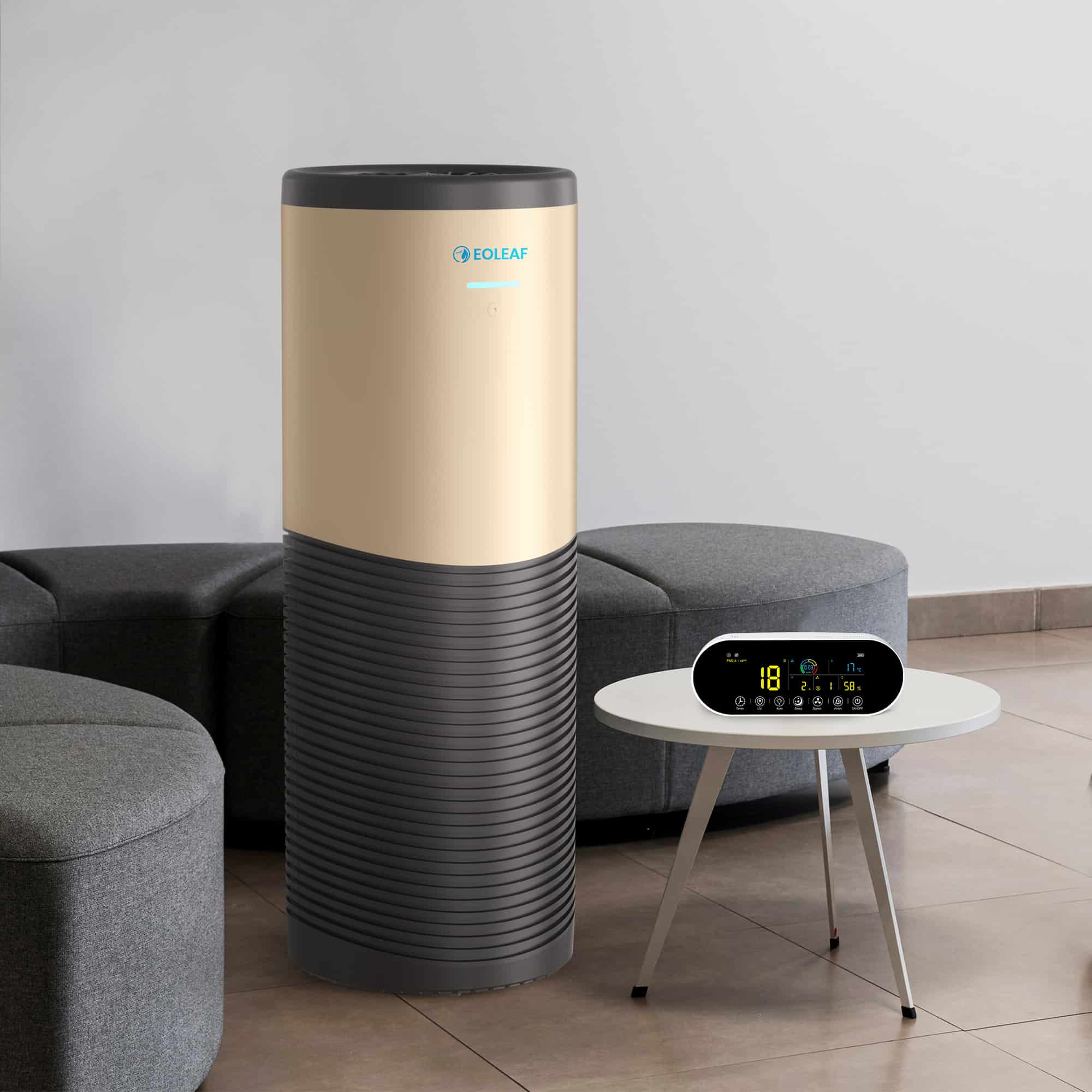
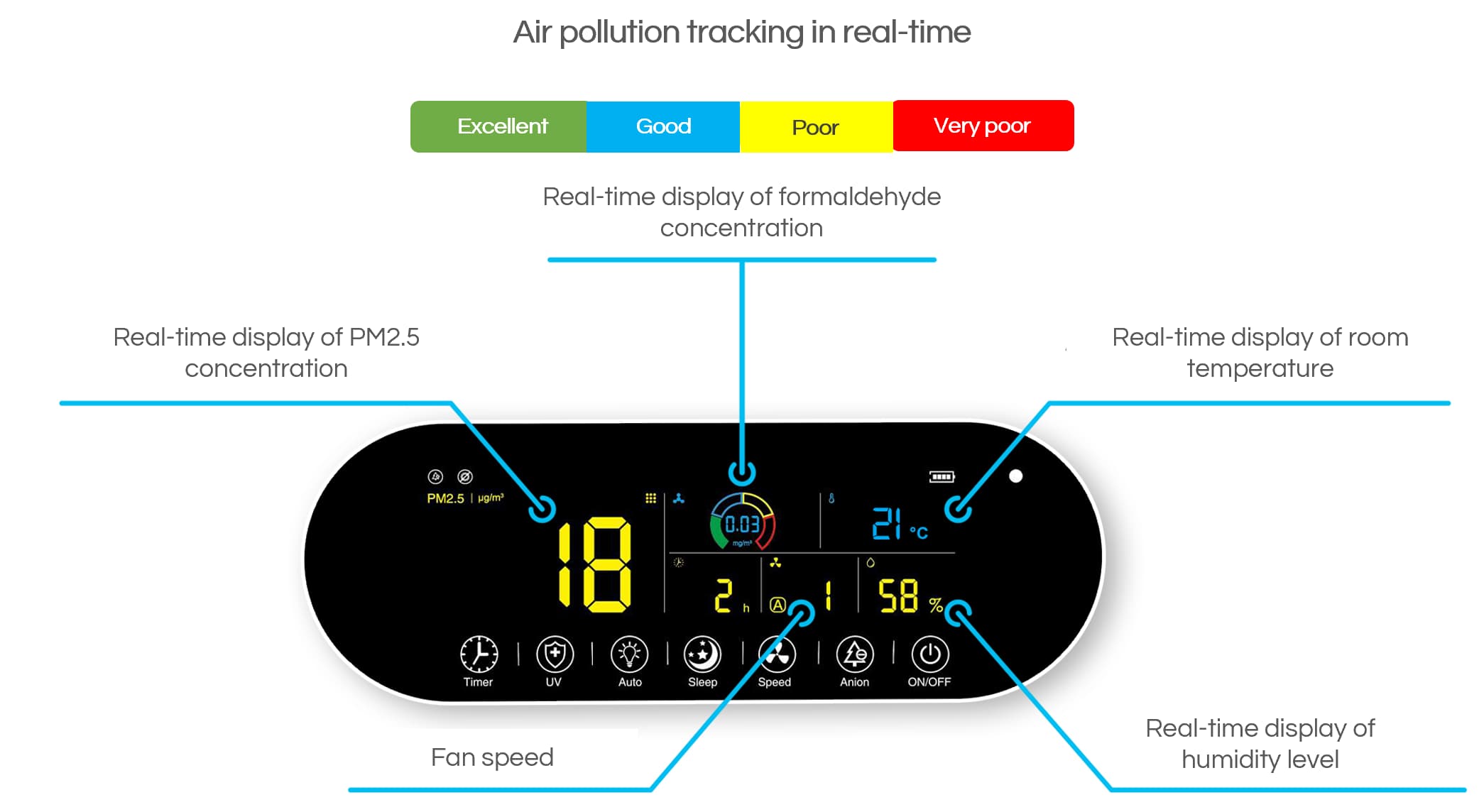
Nos purificateurs d'air TeraPur 600 et AltaPur 700 sont équipés d'une télécommande Bluetooth unique en son genre qui surveille en permanence la pollution de l'air et vous aide à obtenir une compréhension complète de la qualité de votre air intérieur. Il affiche les niveaux de pollution directement sur son écran (et se synchronise également avec votre téléphone). En réponse à l'évolution de la pollution, le mode automatique est capable d'ajuster automatiquement la vitesse du ventilateur afin de maintenir des niveaux sûrs basés sur les directives publiées par l'Organisation mondiale de la santé (OMS).
La télécommande est équipée de capteurs PM2.5 et HCHO très précis avec une précision d'un demi-micron afin de vous garantir un air pur en suivant les niveaux de particules fines, d'allergènes en suspension dans l'air, de gouttelettes, d'aérosols et de pollution chimique.
L'écran de la télécommande se connecte au Wi-Fi afin de synchroniser ses données sur la qualité de l'air avec notre application pour smartphone, ce qui vous permet de connaître vos niveaux de pollution directement à partir de votre téléphone.
Mode veille pratique
Nos purificateurs d'air sont remarquablement silencieux, ce qui leur permet de s'intégrer facilement dans n'importe quel environnement.
Notre télécommande Bluetooth est dotée d'un mode Veille pratique qui vous permet de vous reposer sans être dérangé par le niveau sonore ou la lumière provenant de votre appareil ou de la télécommande.
Caractéristiques intelligentes
La télécommande affiche les niveaux de pollution en temps réel directement sur l'écran (elle est également synchronisée avec votre téléphone). En réponse à l'évolution de la pollution, le mode automatique est capable d'ajuster automatiquement la vitesse du ventilateur afin de maintenir des niveaux de sécurité basés sur les directives publiées par l'Organisation mondiale de la santé (OMS).
Expédition
Spécifications techniques
| Modèle | Terminal de contrôle Eoleaf |
| Capteur PM2.5 (particules fines) |
Portée : 0-500μg/m3 |
| Capteur HCHO (pollution chimique) |
Portée : 0~6,25mg/m3 Résolution : 0,01mg/m3 Précision : ±10% @0 - 6,25mg/m3 |
| Capteur de température |
Portée : -20° to +50°C Résolution : 1°C Précision : ±1°C |
| Capteur d'humidité |
Portée : 0%~100%RH Résolution : 1%RH Précision: ±3%@25°C & 20%~80%RH |
| Indicateur de pollution chimique |
Excellent : vert Bon : bleu Mauvais : jaune Très mauvais : rouge |
|
Dimensions |
18,1 x 45,0 x 0,67 cm (lxLxH) |
|
Poids |
300 g |
Garantie
- Garantie de remboursement de 15 jours.
- Garantie limitée d'un an.
Indice environnemental

FAQ
Veuillez lire notre page FAQs pour en savoir plus.